In the digital age, where consumers rely on search engines for almost everything, from finding nearby coffee shops to choosing reliable service providers, having a strong local online presence is essential.
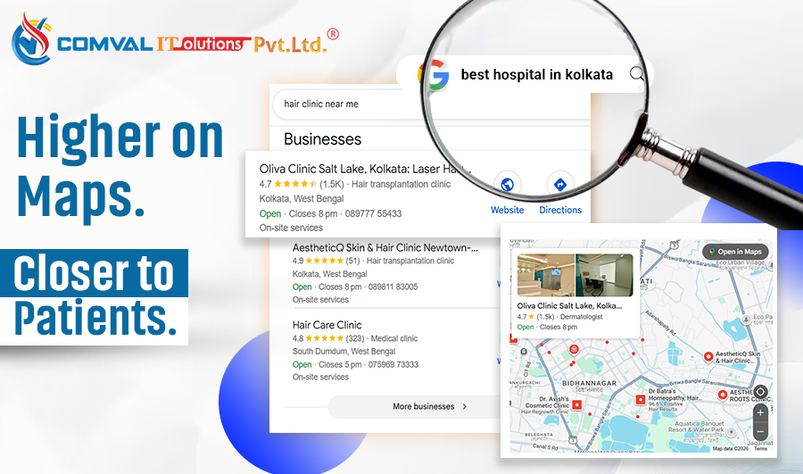
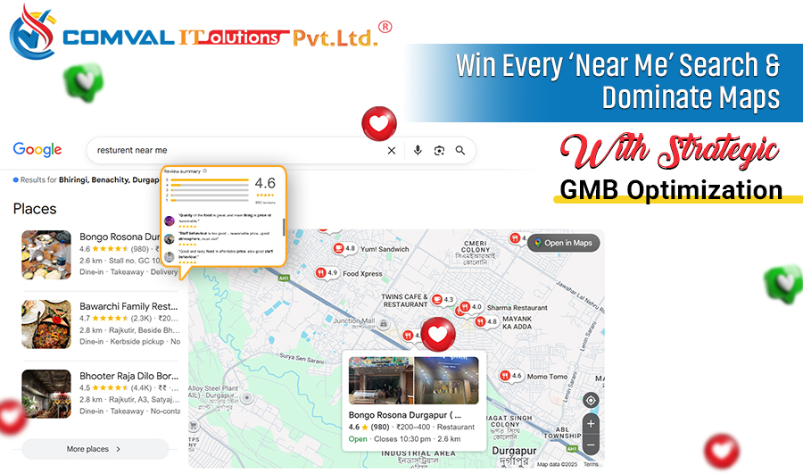
One of the most effective tools to enhance this presence is Google My Business (GMB), now known as Google Business Profile. When optimized properly, GMB can significantly improve your Local SEO, helping your business appear in Google Maps, local search results, and “near me” searches that convert at a very high rate.
Google My Business is a free and powerful tool that helps businesses manage their presence on Google Search and Maps. By verifying and updating your business information, you make it easier for potential customers to discover your brand and understand what you offer. Local SEO focuses on improving your visibility for location-based searches. According to Google, over 46% of all searches have local intent, which shows how crucial GMB is for your online success.
A well-maintained Google Business Profile strengthens your visibility, improves credibility, and boosts customer engagement. Besides, it helps your business appear precisely when customers are searching for services like yours in YOUR locality. An optimized GMB profile can make customers trust your brand more, connect with you easily, and choose you over competitors.
Why GMB Matters for Local SEO
A well-optimized Google Business Profile offers three major advantages:
-
Increased visibility,
-
strengthened credibility, and
-
Improved customer engagement.
When customers see an updated profile with accurate information, photos, reviews, and active posts, they are far more likely to trust your business.
-
Visibility: Optimized GMB listings appear in local search results and Google Maps.
-
Credibility: Accurate details and consistent updates help build trust.
-
Engagement: Customers can interact directly through calls, DMs, reviews, posts, and more.
This makes GMB a central piece of any strong local search strategy.
How to Set Up and Optimize Your GMB Profile
Getting started with Google My Business begins with claiming and verifying your profile. Visit the GMB website, sign in, and search for your business. If it exists, claim it; if not, create a new listing. Next, enter all required information, such as business name, address, phone number, website link, hours of operation, and description. Consistency is crucial and your details must match what’s on your website and other online directories.
Verification is usually done through a postcard mailed to your business address, although email or phone verification may be available. Once verified, your GMB profile becomes fully functional.
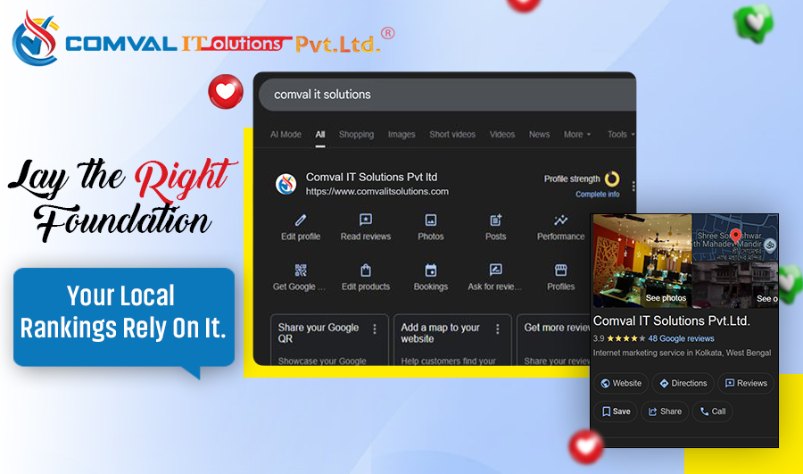
Optimizing your profile involves completing every section carefully. Choose the most accurate business category, add attributes that highlight your strengths (such as “Wheelchair Accessible” or “24/7 Service”), and specify your service areas.
Images play a major role in attracting customers. High-quality photos help your business stand out. Studies show that listings with images receive 42% more requests for directions and 35% more website clicks. Including updated photos of your office, products, team, or work environment greatly enhances your profile.
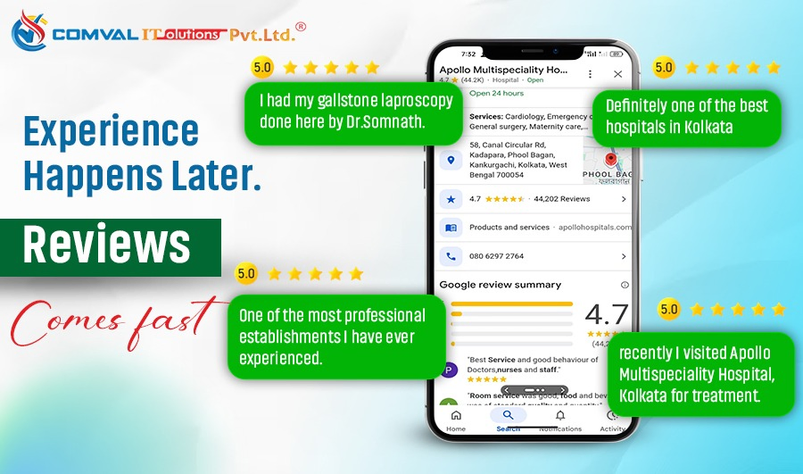
Customer reviews are another critical component. Encourage happy clients to leave reviews and always respond to them, be it positive and negative. When you respond professionally, it shows potential customers that you value feedback and are committed to customer satisfaction.
Using GMB Features to Boost Local SEO
Your Google Business Profile comes with several features that, when used consistently, improve your local rankings. Posting regular updates, offers, events, and announcements keeps your profile active and relevant. The Q&A section allows you to address common customer queries directly on your profile, helping build trust and clarity.
Google also provides valuable insights such as search queries, customer actions, direction requests, phone calls, and photo views. These insights help you understand what is working well and what needs improvement. By analyzing this data, you can refine your local SEO strategy and increase your overall visibility.
In addition, maintaining consistent Name, Address, and Phone Number (NAP) information across all platforms is crucial. Mismatched details can confuse search engines and reduce your chances of ranking well. Incorporating local keywords into your business description, posts, and review responses also helps Google understand your relevance to local searches.
How Comval IT Solutions Helps You Win in Local SEO
Local SEO can be complex, and managing a Google Business Profile requires ongoing attention and specialised experience. At Comval IT Solutions, we help businesses maximize the full potential of GMB through strategic optimization and continuous management.
We assist with complete GMB setup and verification, ensuring your profile is accurate, consistent, and fully optimized. Our team enhances every section of your listing, from business information and categories to photos, attributes, and service areas. We also manage customer reviews, publish regular GMB posts, and monitor insights to ensure your profile remains competitive.
Our tailored Local SEO strategies help your business rank for high-intent keywords, especially “near me” and “near me now” searches. Through ongoing monitoring, updates, and improvements, we ensure your business stays visible and relevant in a competitive local market.
Final Thoughts
Maximizing Local SEO for businesses with Google My Business is a continuous process that involves regular updates, active engagement, and strategic optimization. A fully optimized Google Business Profile boosts your visibility, builds trust, and attracts more customers. With consistent effort, your GMB profile becomes a powerful asset that drives foot traffic, leads, and sales.
At Comval IT Solutions, we help businesses unlock the true potential of GMB through expert optimization and ongoing management. Partner with us to strengthen your local presence, increase customer engagement, and stay ahead of the competition.
Short FAQ – What People Commonly Ask About GMB
It’s a free tool from Google that lets businesses manage how they appear on Search and Maps, including business details, reviews, and posts.
Yes. Creating, managing, and optimizing your GMB profile is completely free.
Most postcard verifications take 3–7 days, though some businesses may qualify for phone or email verification.
Reviews influence ranking, trust, and customer decisions. More positive reviews help you stand out in local searches.
Ideally, you should update it weekly. Posting updates, uploading new photos, and responding to reviews helps keep your profile active and optimized.